Download ZauberVPN on all your devices - phones, laptops, tablets, and TVs.
One VPN for every device - protect up to 6 devices simultaneously. Unlimited Freedom with a single secure account:
Blazing-fast connections for streaming and work
Total privacy with a verified no-logs policy
Optimized servers for gaming, travel, and remote use
30-Day Money-Back Guarantee

Download on the
App Store
Download for
macOS

Get it on
Google Play

Get it on
Windows
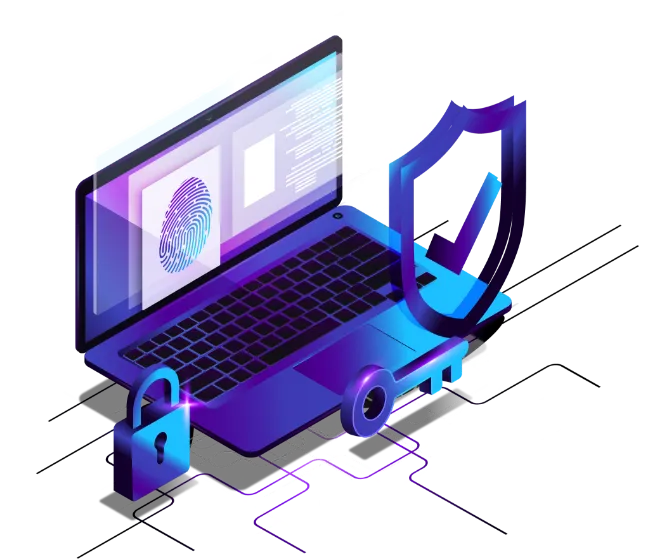
Download ZauberVPN for your device
Android
iOS
Windows
Android TV
MacOS
How to use the ZauberVPN
Sign In & Setup
Download the app and sign in with your ZauberVPN account.
Tap to Connect
Hit Quick Connect and let ZauberVPN choose the fastest, most secure server automatically.
You are Protected
Your internet is now encrypted, your IP hidden, and your privacy guaranteed.
Need a Server Located Near You? We are expanding fast - tell us where you need coverage.
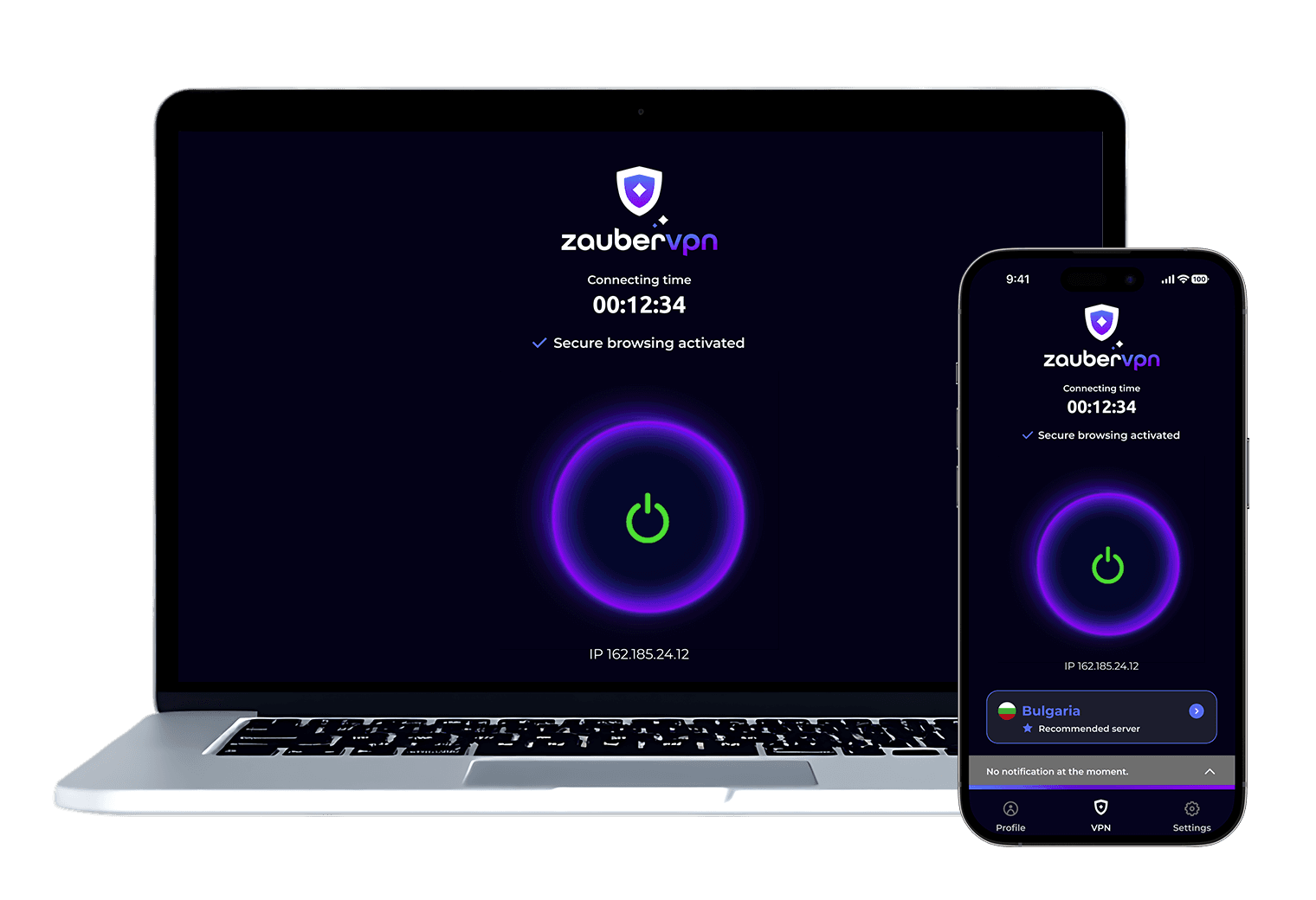

Get Started: Easy Download Steps
1
Download and install the ZauberVPN app from your device's app store.
2
Open the app and sign in or create an account if prompted.
3
Choose your preferred server.
4
Tap "Connect".
5
Disconnect anytime with one tap.
6
Personalize your experience - explore settings like Split Tunneling, Kill Switch, and preferred servers for maximum performance.

What ZauberVPN empowers you to do?

Your questions, answered.
How does a VPN work, and why do I need one?
Is using a VPN legal and safe?
Can a VPN help me access geo-blocked content?
What kind of data does ZauberVPN collect, if any?
Will a VPN slow down my internet speed?
A VPN encrypts your internet traffic and hides your IP address, keeping your activity private and secure. ZauberVPN lets you browse safely, protect your data, and access content from anywhere, all in one tap.